
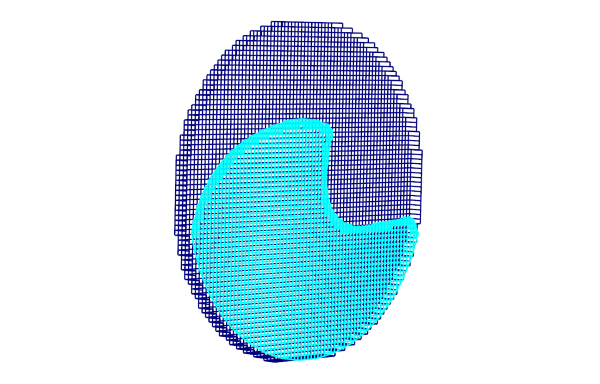
Advanced users of FlowVision are certainly familiar with the trick of using a remote non-computational subdomain for 2D simulations that utilise grid adaptation. This non-obvious method is used to disable mesh adaptation along one coordinate direction, thus making sure there will be only one cell across the width of the computational space. Despite being complicated, the trick works and helps to minimize computational mesh in 2D simulation.
In the new release of FlowVision, the 2D-simulation option is built into the program interface. Now you can create a project with 2D adaptation in just one click. Furthermore, the creation of projects with a 2D-sector condition has become easier.
You can try it! In this article we'll be talking about why it's so important to first perform a 2D calculation instead of directly jumping into a 3D one.